Posts

Posts mit dem Label "little planet" werden angezeigt.

Even more historic images moved to VR
Bild
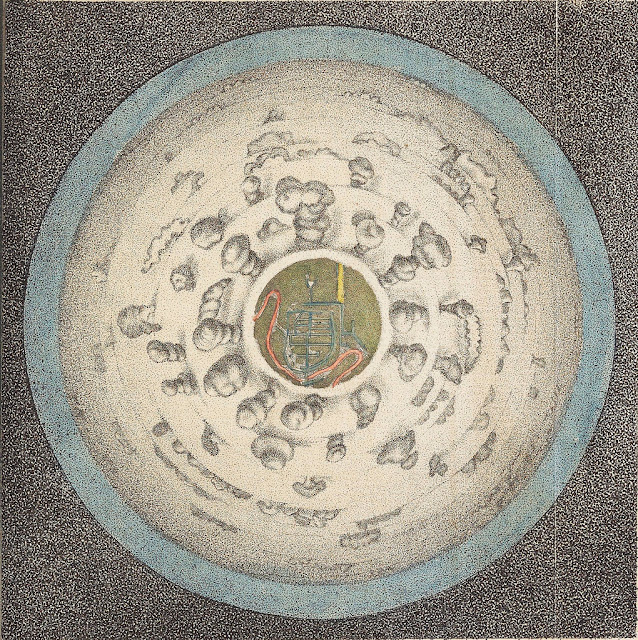
This two images are again more then 200 years old and now we can view them in VR. The first image is “A Circular View from the Balloon at its greatest Elevation”, featured in Thomas Baldwin’s Airopaidia (1786). https://archive.org/details/Airopaidia00Bald/page/n74 You can read more about this image here: https://publicdomainreview.org/2016/07/20/for-the-sake-of-the-prospect-experiencing-the-world-from-above-in-the-late-18th-century/ The 360x180° panorama created with Hugin and GIMP (I made the sky bigger.) Use this link to view the panorama with the DayDream: https://photos.app.goo.gl/zYjsLDvNJF4cGNzd8 The second image is on of 31 illustrations Marc-Théodore Bourrit made between 1779 and 1796. http://www2.unil.ch/viatimages/index.php?lang=en&projet=viaticalpes&module=image&action=detail&IDImage=129 The 360x180° panorama created with Hugin and GIMP (I rotated the text and filled the sky.) Again here the link to view the panorama with the ...

Tutorial: Dresden 1824 - Inside an image from Carl August Richter - Improved

Bild
Thanks to this posts on twitter from Bruno Postle i have now a method how to results from the last tutorial : The first and the last steps are the same. Center the image. (Alternative you can measure the centre an enter the values in Hugin). The new thing is to use Hugin instead of the "Little Planet" plug-in in Gimp Start Hugin Change to the expert mode. (Interface->Expert) Add the image via drag and drop or this button:  Cancel this dialogue: Double click on the image: Change pitch to -90: Change the "degrees of view (v)" to 212: Here you can even the image centre shift, if you have not centred the image before in GIMP. Now go into the Preview mode: Now change the preview mode to " Stereographic":  And in the "projection" tab the "Field of View" to 360x180 Equirectangular: The preview should now look like this: Now you can go back to the "Assistnt" tab and hit the "3. Create pan...