Tutorial: How do I get Google Maps routes into Inkscape?
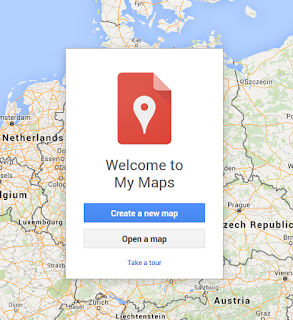
1. Create a new map with Google My Maps:
2. Create a route:
 3. Export as KML

 4.
4. Go to http://indiemapper.com/app/ (The link does'n work any longer) and import the KML file:

5. Use the export button to export it to SVG:


2. Create a route:


4. / 5. Update: Use https://mygeodata.cloud/converter/kml-to-svg to convert the KML to SVG.
6. Open the file in Inkscape


Kommentare
Kommentar veröffentlichen